
Voice and language settings for AI customer calls
Choose a voice and language setup for customer calls. Test pronunciation, numbers, interruptions, and fallback behaviour in your Sonrat.ai workflow.
Choose a voice your customers can follow
A pleasant sample is a useful start, but customers also need to understand names, amounts, addresses, and the next step. Pick a speaking style that fits the work: a short support answer needs different pacing from reading an order summary.
Keep the first sentence brief. It should identify the business and explain how the caller can proceed. Listen to that opening on an ordinary phone, not only through studio headphones.
Confirm which languages your setup supports
Check the languages and voices available through the providers connected to your account. Do not assume that every voice supports every language, or that an agent can switch languages simply because its instructions mention them.
Give the agent a clear approach when it cannot understand a caller. Asking one short clarification or offering a human follow-up is more useful than repeatedly guessing the same answer.
Try the words that matter to your business
Test your company name, product names, local place names, dates, and prices. Ask the agent to read a phone number or repeat an address. Then check whether the written record matches what was said.
Also test interruptions and corrections. A customer may change a quantity while the agent is reading the summary. The final order should reflect the correction rather than the earlier version.
Review the voice and instructions together
Speaking style cannot fix an unclear workflow. If the agent asks three questions in one sentence, simplify the instruction before trying more voices.
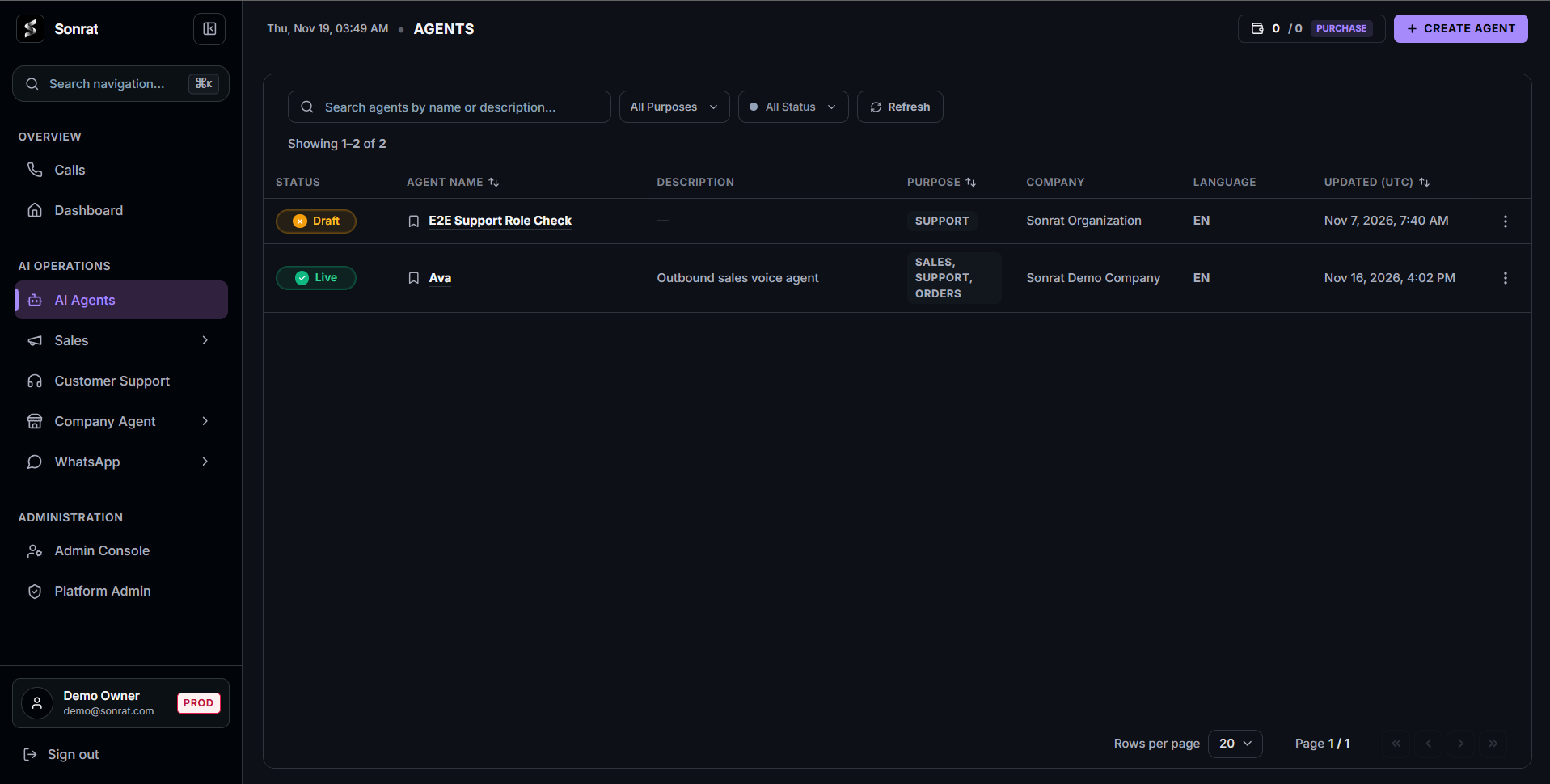
Sonrat.ai’s agent list displays a language alongside each agent. Use that visible setting to check which configuration you are reviewing, then verify the voice and language options supported by your deployment.