
Workspace roles and publishing: who can change an agent?
Plan workspace access and agent review in Sonrat.ai. Separate editing, publishing, operational review, and administration around your team’s responsibilities.
Match access to the work a person does
A teammate who reviews calls may not need to change agent instructions. The person maintaining business knowledge may not need to manage organisation settings. Start with responsibilities, then confirm the roles and permissions your deployment supports.
Write down who owns each area. Shared responsibility can work, but changes should still have a person who can explain what was updated and why.
Separate editing from approving a change
An instruction can look harmless in isolation and still change how an agent handles a payment question or an order. Decide which changes require another person to review the wording and test the intended behaviour.
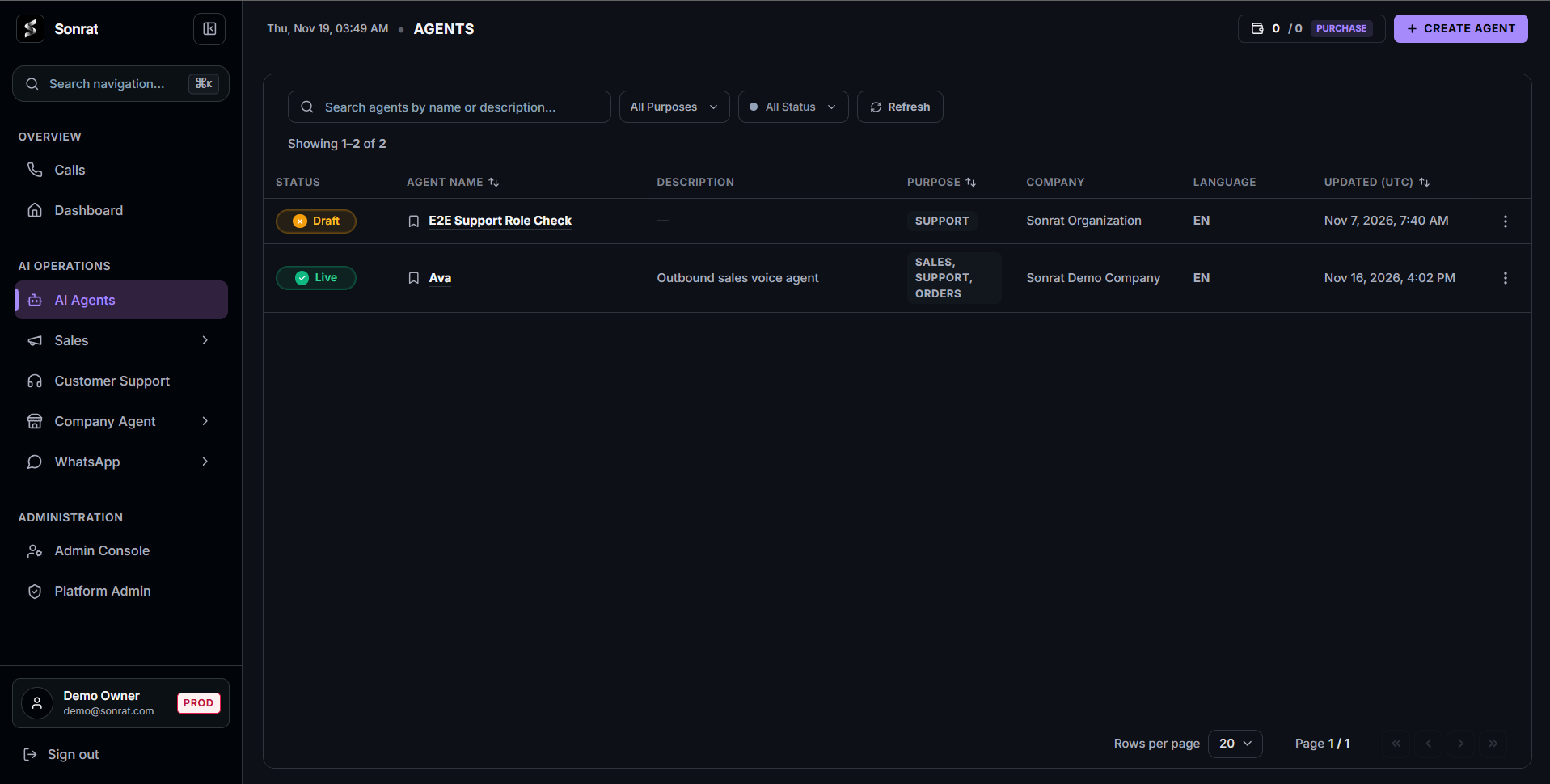
Sonrat.ai’s demo agent list includes draft and live status. Confirm the publishing and version controls available in your account rather than assuming a draft has already become the configuration customers encounter.
Review both the agent and its connected tools
Check the selected business knowledge, language, instructions, and tool connections before making a revised setup available. A correct script with the wrong catalogue or destination still produces the wrong workflow.
Keep a note of the change and the checks performed. Ask how your deployment records configuration history and how the team can return to an earlier setup if that is supported.
Test the boundaries with an ordinary user account
Review what a user with the intended access can see and change. Do not rely on an administrator session to demonstrate a restricted role. Also check the procedure for removing access when someone leaves the team.
This guide is a workspace-planning checklist, not a security certification. Confirm actual permission behaviour in your configured Sonrat.ai environment and keep administrative access limited to the people who need it.